The Zoom lecture
ends. The learning
doesn't

Acadly makes every virtual classroom active.

Book a demo
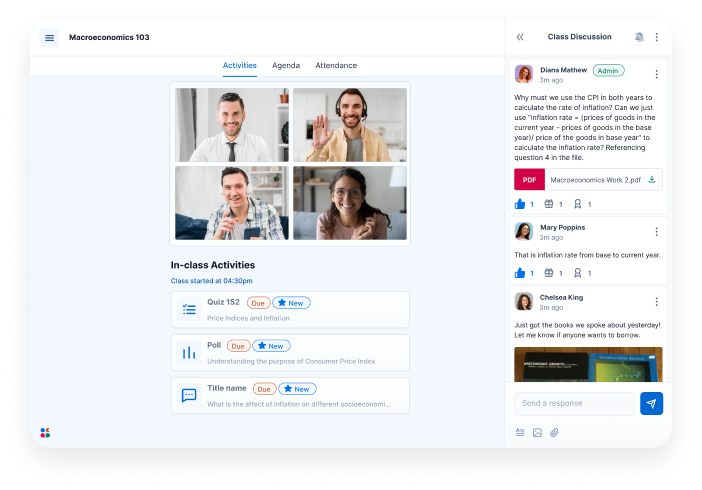
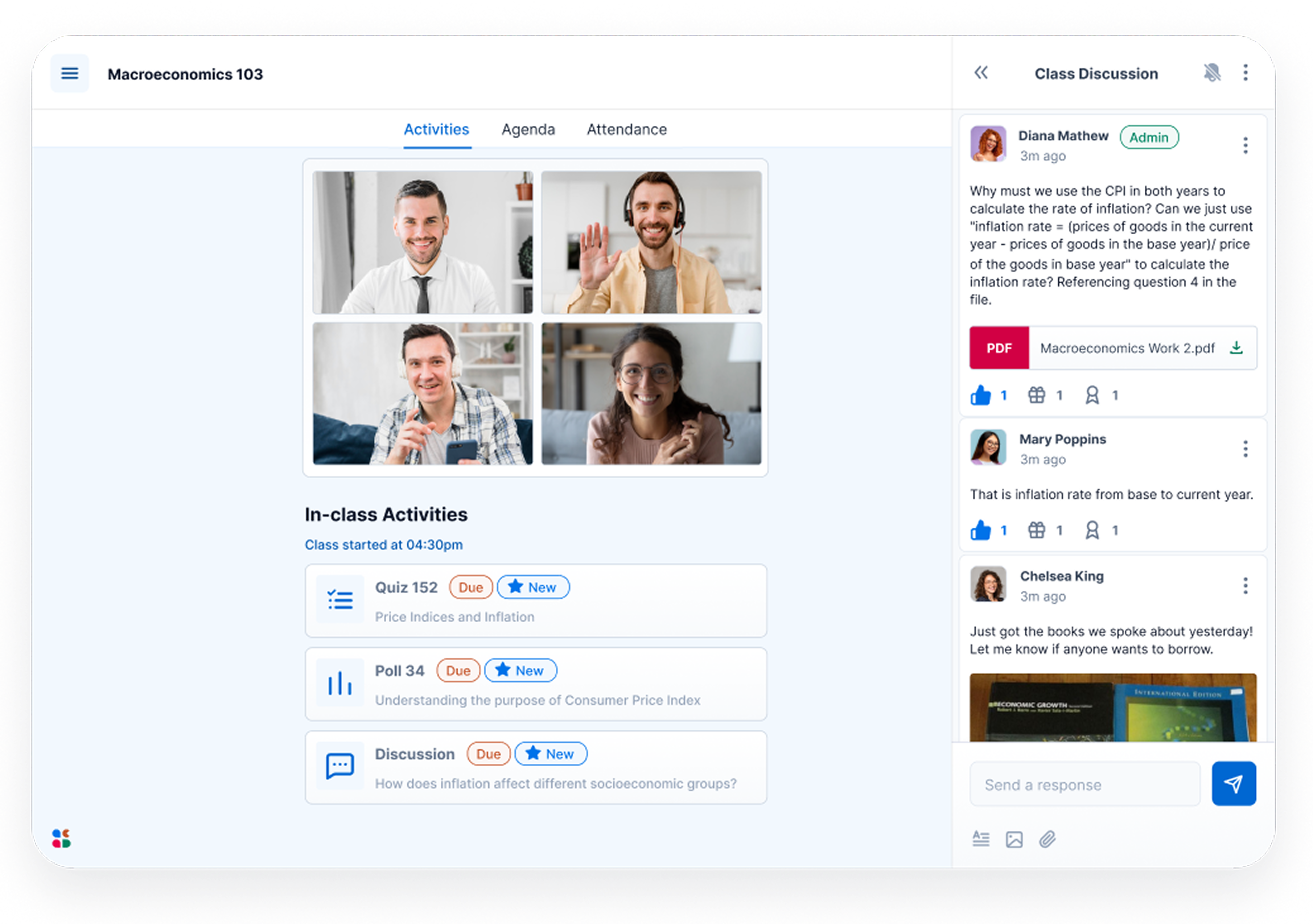
Acadly virtual classroom interface open during a live online lecture

Acadly makes every virtual classroom active.

Book a demo

Eliminate opacity from virtual teaching

With Acadly, your virtual classroom is enhanced with polls, quizzes, word clouds, discussion forums, grade book syncing, automatic realtime attendance and learner analytics.

I think using Acadly discussions for students to respond in-class gave them confidence that their ideas or thoughts had merit. Using polls was also really useful to gauge the students opinions on a topic.

Christine Julien, University of Texas Austin

Measure attentiveness, not just attendance

Acadly Pro has realtime attendance checks using in-video prompts, which asks students "Are you here?" and they're required to click "Yes" to mark their attendance.

Real-time attendance

At the tap of a button, measure how many students are actually engaged with in-video “Are you here?” prompts

Multiple checks

Launch multiple attendance checks during an online class and see how many students are really there.

Easy reporting

Get all attendance data consolidated automatically, making reporting as easy as clicking a button.
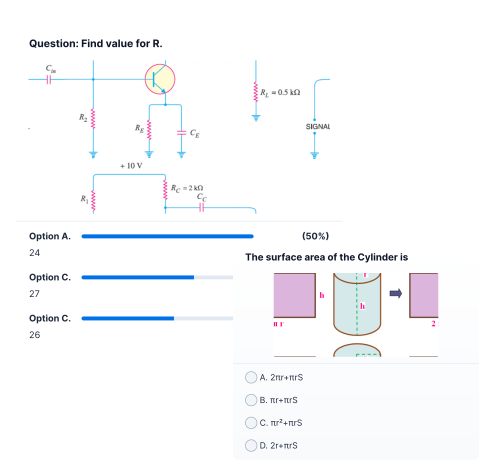
One window, four ways to act

Screenshot of polls and quizzes on AcadlyWord clouds graphic (depiction)Backchanneling or class discussions on AcadlyGradable assignments icon

Polls & Quizzes

  • Flexible deadlines
  • Anonymity options
  • On-screen timers
  • Question shuffling
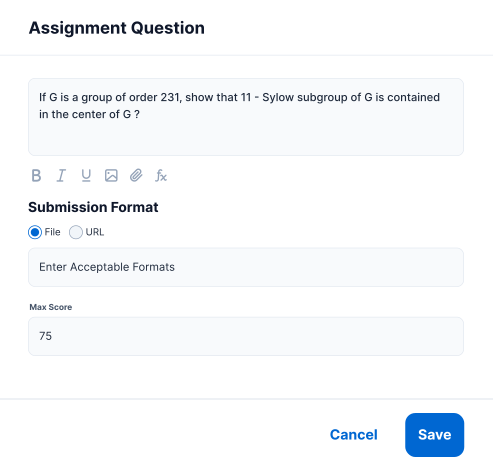
  • Image/LaTex options

Word Clouds

  • Dynamic word clouds
  • Mobile-responsive
  • Moderating options
  • Publishing controls
  • Post-class viewing

Backchanneling

  • Topical/General discussions
  • Anonymity options
  • “Like” & “Thanks” reactions
  • “Raise Hands” queue
  • Image/LaTex options

Gradable Assignments

  • File/link submissions
  • Grading and feedback mechanisms
  • Collaboration options
  • Student-wise analytics
  • Data exports to CSV

Lectures end.
Learning doesn’t.

You've heard of lecture playback.
Now every activity plays back with it.
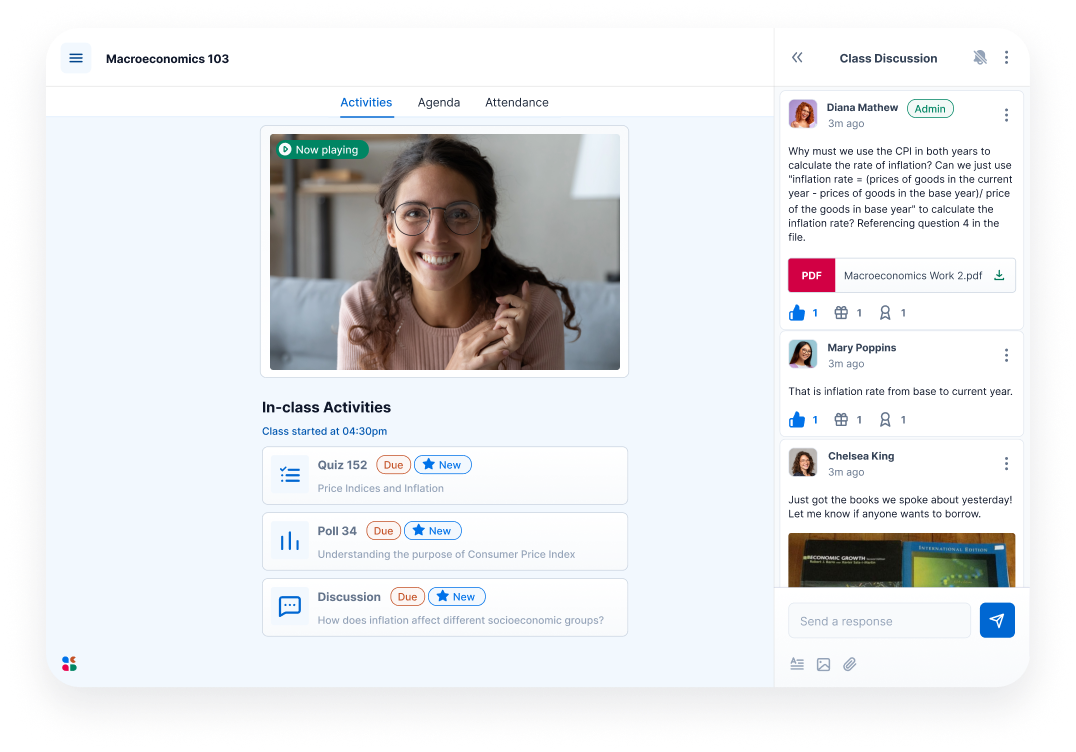
Interactive lecture playback on Acadly lets asynchronous learners get the same experience as synchronous ones. All activities, chat, resources and the lecture video is retained in a neat timeline.
Lecture ends on Zoom
Acadly uploads the recording
Acadly merges it with the lecture's activities
Asynchronous learners get the same class, anytime.

Make it your own

Three different ways to make a customizable interface for your virtual classroom.
Acadly screen with holistic view with lecture video, activities, chat forum visible.

Get a bird’s eye view of the lecture

The Class Summary View lets you keep your activities, chat and the video feed - all in one view.
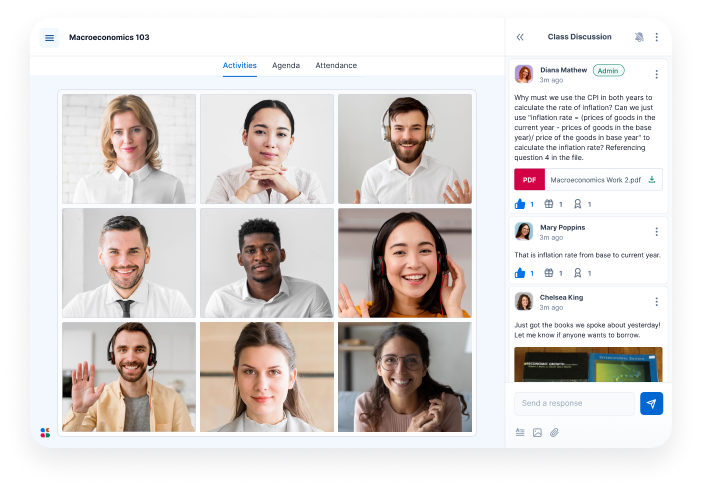
Acadly screen with lecture video enlarged and chat forum visible on the side

Drive focus on content and discussion

The Video and Chat View lets you keep just the classroom chat and video feed, in one view.
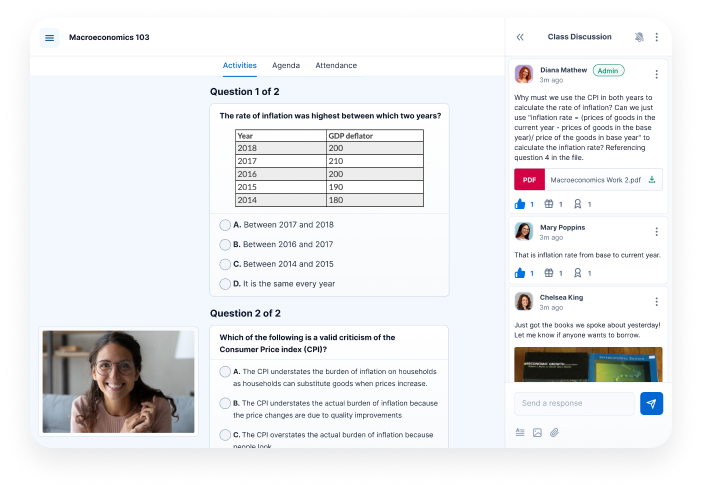
Acadly screen with lecture video minimised to a picture-in-picture view, and ongoing activities enlarged, along with chat forum on the side.

Engage every learner equally

The Picture-in-picture View lets you show activities, along with a collapsed video, in one view.

Everything Zoom's breakout rooms are missing

Features
On Zoom
On Acadly
Record live attendance
Share whole-class activities
Communicate with other breakout rooms
Allow self-selection of breakout rooms
Join breakout rooms from mobile phone
Acadly automates class attendance and produces records that can't be gamed. It helps instructors capture presence and boost class participation. No hardware, no GPS, no faculty pushback. Trusted at 400+ US universities.
support@acadly.com

© 2026-27 ACADLY, INC. ALL RIGHTS RESERVED.

×

Apply for pilot

Every semester, we work closely with a few institutions on low-cost pilots to help them make the business case for Acadly internally. Share your details below and we'll be in touch.